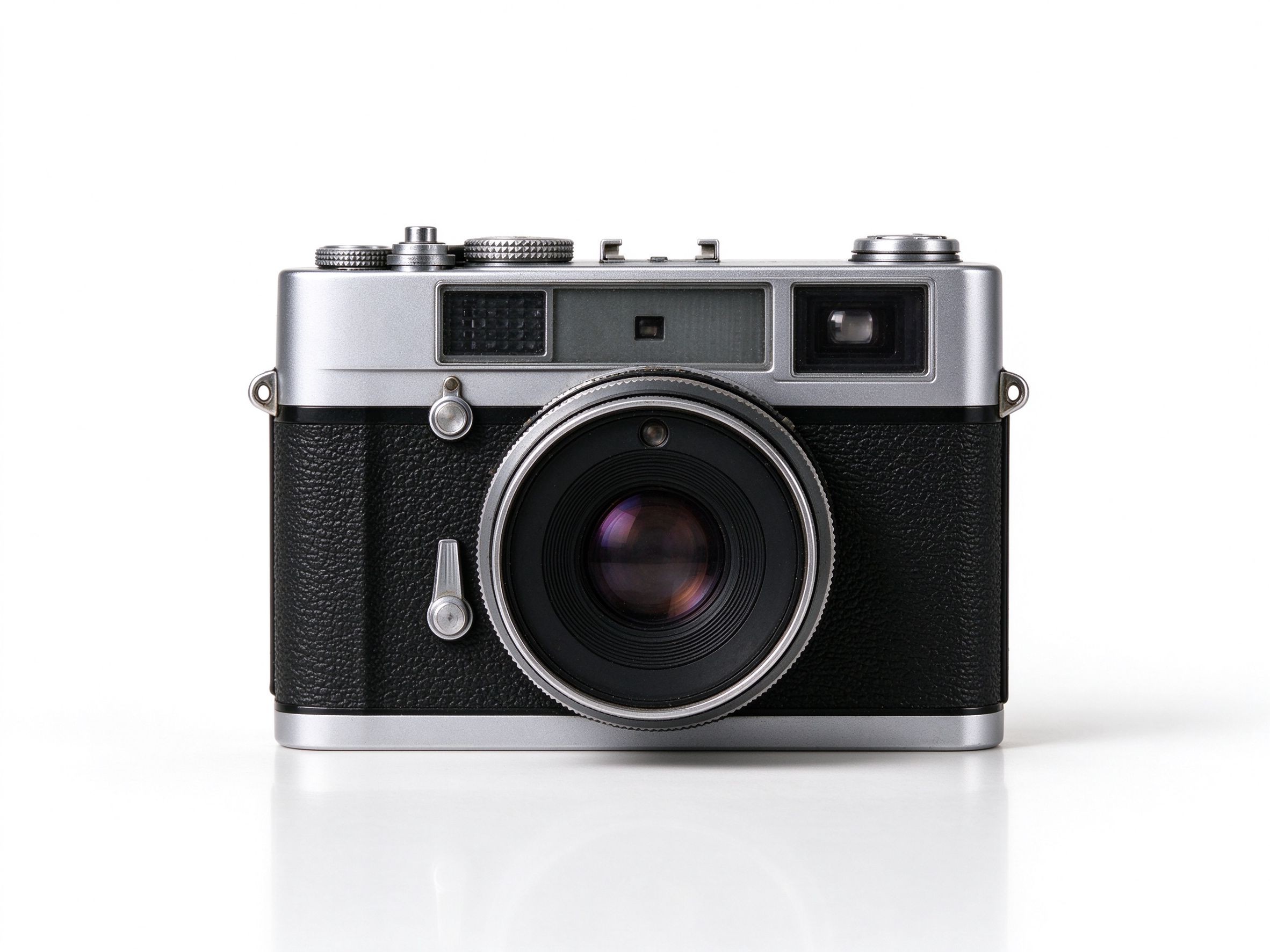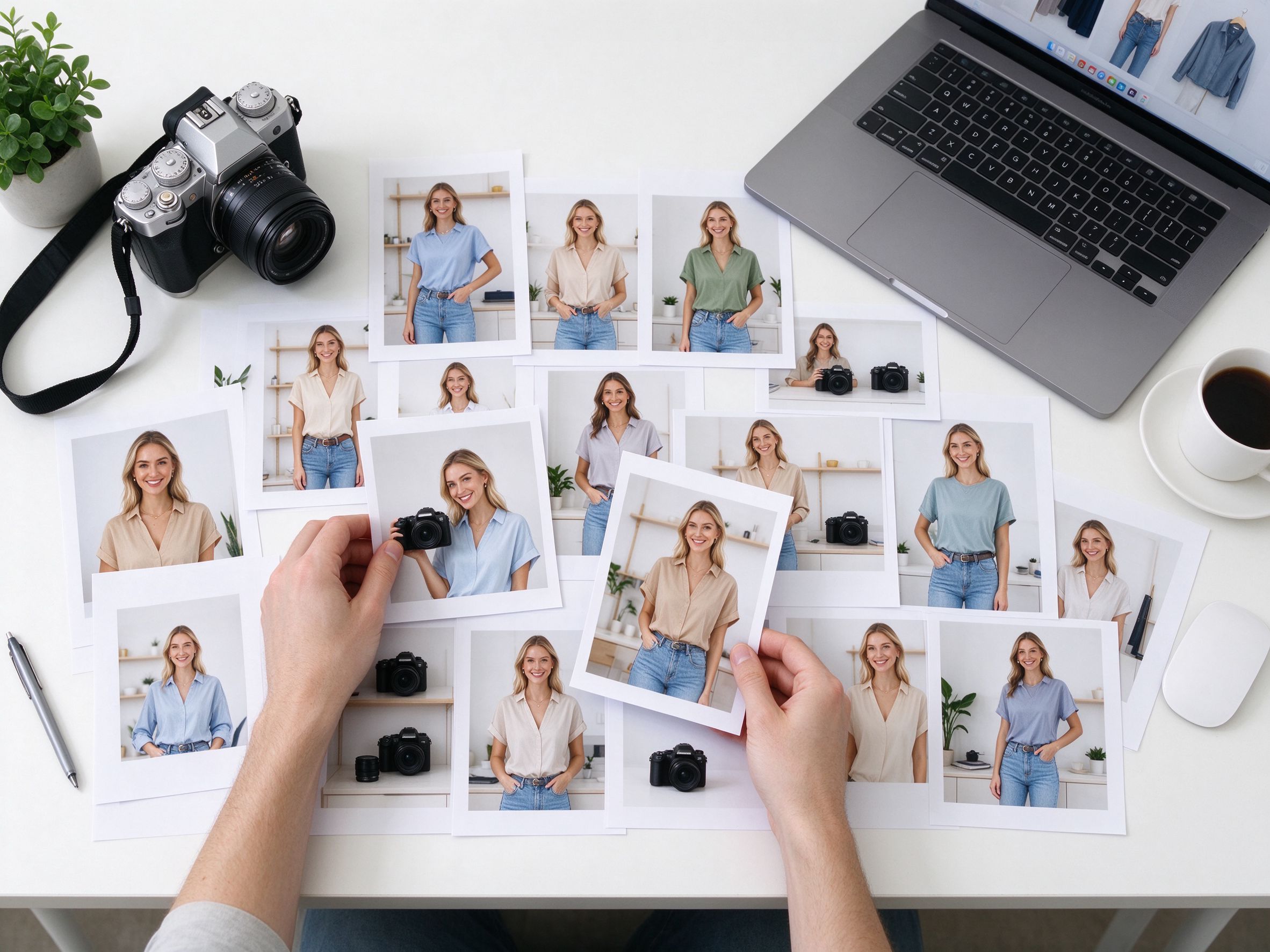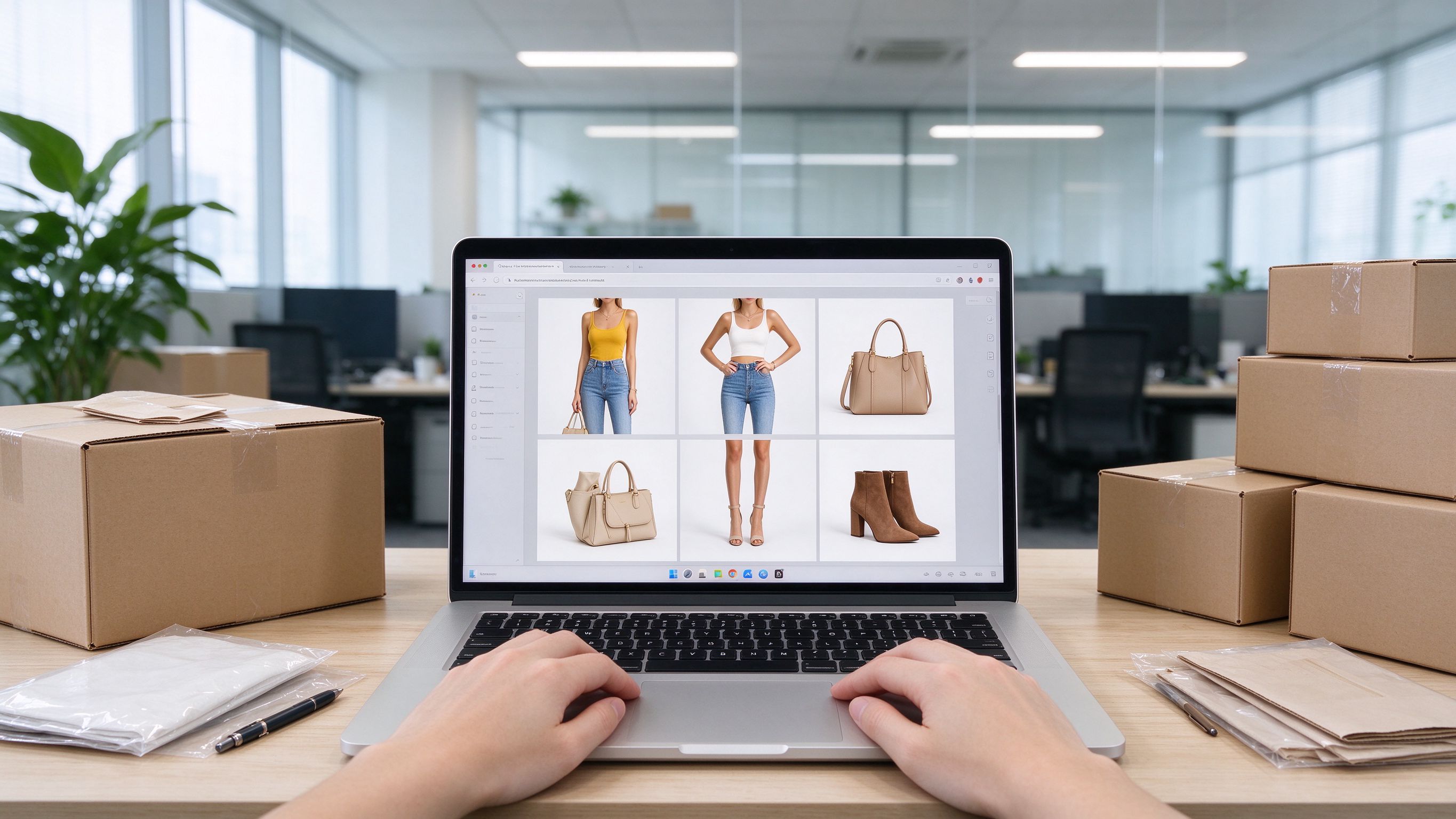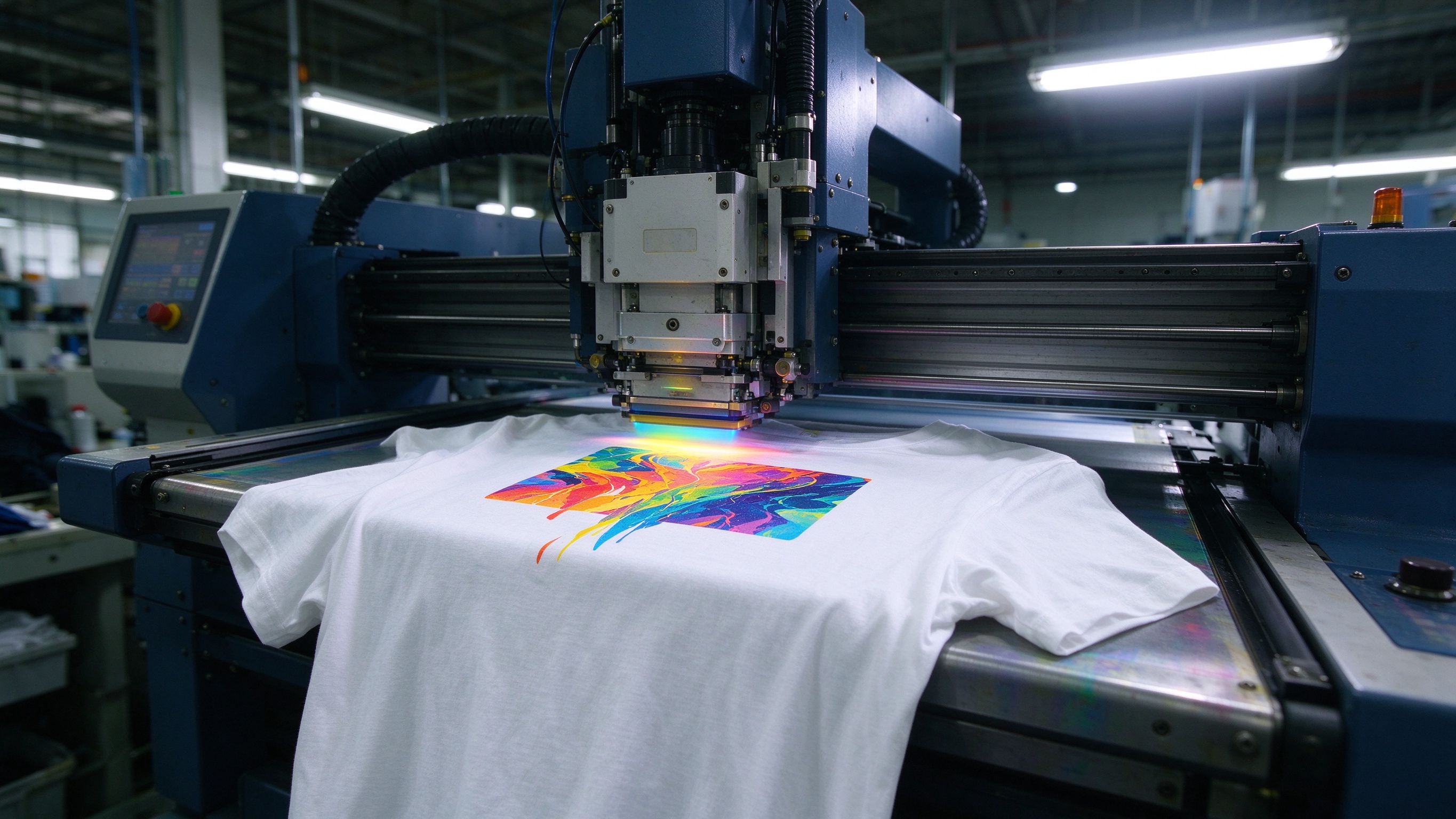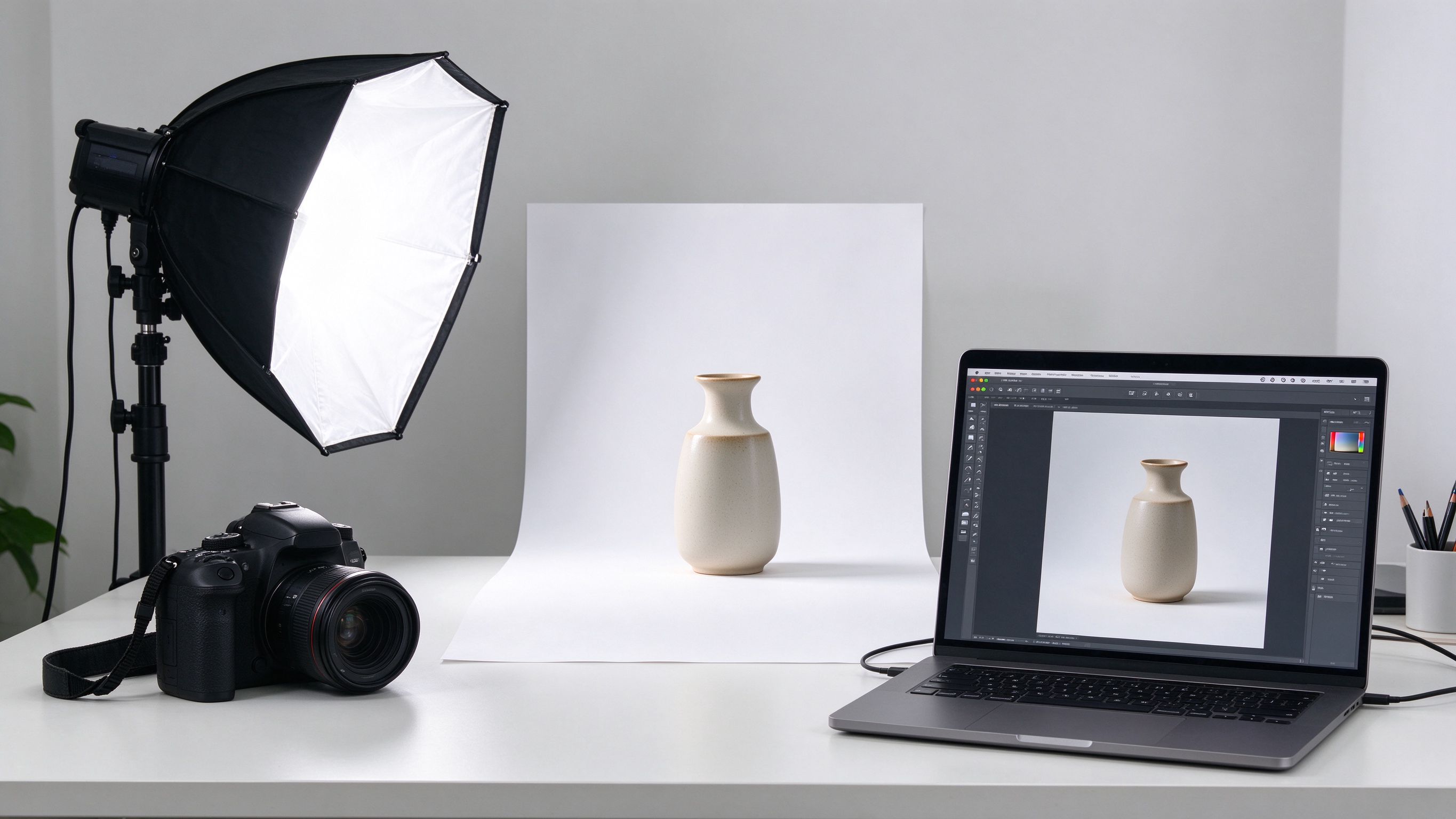
Product photography studio workspace
✓ 100% Free · Runs in Your Browser

E-commerce Product Image Toolkit

Remove backgrounds, create pure-white Amazon-ready shots, swap scene backgrounds and batch-process your whole catalog — all locally in your browser. No uploads, no credits, no watermark.

24 Free Tools100% Local Processing
100% LocalNo uploads, no account
0 Uploads · 0 CreditsFree & unlimited
Core Tools

Core Tools

The 8 tools sellers use every week — built to fix the exact problems sellers complain about most.

Tools

All 24 Tools

From quick fixes to full catalog pipelines. Every tool runs entirely on your device.

Background RemoverCutout

Background Remover

Remove solid or near-solid backgrounds in one click with adjustable tolerance and edge feathering. Perfect for product shots on white, beige or colored backdrops.

Open Tool
White Background MakerAmazon-ready

White Background Maker

Cut out your product and place it on a true RGB 255,255,255 white background — the foundation of an Amazon-compliant main image.

Open Tool
Background ChangerScenes

Background Changer

Swap any background for a solid color, gradient or your own lifestyle photo. One cutout, endless scenes for Pinterest, Instagram and TikTok Shop.

Open Tool
Batch ProcessorBulk

Batch Processor

Process hundreds of product photos at once — remove backgrounds or create white backgrounds for your whole catalog, then export one ZIP.

Open Tool
Edge RefinerPrint-safe

Edge Refiner

Fix white fringes, halos and rough edges. Includes a DTG print-safe mode that makes edges fully opaque — no more white outline on dark garments.

Open Tool
Contact ShadowWhite products

Contact Shadow

Save white products from 'white-on-white' invisibility. Add a subtle, policy-friendly contact shadow in one click.

Open Tool
Amazon Photo CheckerCompliance

Amazon Photo Checker

Check your main image against Amazon's rules: pure white RGB 255, product at ~85%, size ≥1000px. Get a pass/fail report and one-click fix.

Open Tool
Photo ResizerPresets

Photo Resizer

Resize a whole folder to marketplace presets — Amazon 1000/1600px, Etsy 2000px or any custom width. JPEG or PNG, with quality control.

Open Tool
Photo CropperCrop

Photo Cropper

Center-crop to 1:1, 4:3 or 3:2 with one click — perfect for square thumbnails and marketplace ratio requirements.

Open Tool
Format ConverterPNG/JPG/WebP

Format Converter

Convert between PNG, JPG and WebP with quality control. Optimize file size without losing the look.

Open Tool
Image CompressorSpeed

Image Compressor

Shrink file size for faster storefront loading and lighter uploads. Adjust quality and downscale together.

Open Tool
Watermark AddProtect

Watermark Add

Protect your product photos with a text watermark — position, size, opacity and box style in one step.

Open Tool
SharpenDetail

Sharpen

Bring back crisp detail on slightly soft product shots with an adjustable unsharp-style kernel.

Open Tool
Color AdjustGrade

Color Adjust

Fix blue-ish whites and dull colors: brightness, contrast and saturation sliders that work instantly.

Open Tool
Color Palette ExtractorBrand

Color Palette Extractor

Pull the dominant colors from any product photo and export a swatch card for your brand.

Open Tool
Background Pattern MakerBackdrops

Background Pattern Maker

Generate marble, wood or gradient background textures locally — instant studio backdrops with no downloads.

Open Tool
Shadow RemoverClean

Shadow Remover

Lift grey shadows and blue casts from white-background shots so the background reads truly white.

Open Tool
Round CornersUI

Round Corners

Give thumbnails and mockup cards a soft rounded-corner finish with adjustable radius.

Open Tool
Photo BorderFrame

Photo Border

Add a clean white or colored border around your product shots — great for mockups and listings.

Open Tool
Reflection MakerPremium

Reflection Maker

Add a professional floor reflection to product photos with adjustable height and gap.

Open Tool
Nine-Slice GridSocial

Nine-Slice Grid

Slice any photo into a 3×3 grid for Instagram carousels, collage posts or listing galleries — export as ZIP.

Open Tool
EXIF RemoverPrivacy

EXIF Remover

Re-encode images locally to strip GPS, camera and editing metadata before sharing or selling.

Open Tool
Background BlurFocus

Background Blur

Apply a soft blur to busy backgrounds so your product becomes the hero.

Open Tool
ZIP ExporterBundle

ZIP Exporter

Drop many images and pack them into one ZIP locally — no upload, no size limits from servers.

Open Tool
All 24 Tools
Guides

Seller Guides & Tutorials

Deep, practical articles on Amazon compliance, Etsy photos, DTG printing and more.

Read All Guides
Why

Why Sellers Choose Us

Built around the real complaints we found across seller communities.

100% Local Processing

100% Local Processing 100% 本地处理

Your photos never leave your device — no upload, no cloud, no account. 照片不离开你的设备——不上传、不云端、不注册。

Free & Unlimited

Free & Unlimited 免费无限次

Every tool is free to use as many times as you need. 所有工具免费,想用多少次用多少次。

English & 中文

English & 中文 英文与中文

Full bilingual interface. Switch anytime from the menu. 全站双语界面,随时一键切换。

Works on Any Screen

Works on Any Screen 适配所有屏幕

Mobile-first design for phones, tablets and desktops. 移动优先设计,手机、平板、电脑都好用。

Save Your Favorites

Save Your Favorites 收藏功能

Bookmark tools and guides to find them again in one tap. 收藏工具与教程,下次一键找到。

No Watermark

No Watermark 无水印

Exports are clean and watermark-free. 导出图片干净无水印。

FAQ

Frequently Asked Questions

Everything about privacy, pricing and compliance.

Is it really free? +
Yes. All 24 tools are free and unlimited. A Pro tier for heavy users is planned, but the free tools will remain free.
Do you upload my images to a server? +
No. Every tool runs locally in your browser using JavaScript and Canvas. Your photos never leave your device.
Do the tools work offline? +
Once the page is loaded, yes — all processing is local. No API calls are made during editing.
Can I use the results on Amazon / Etsy / eBay? +
Yes. The White Background Maker and Amazon Photo Checker are designed around marketplace rules (RGB 255 white, ~85% product, 1000px+). Always double-check the latest platform policy.
Is there a watermark? +
No watermark on any export, free or paid.
Why do cutouts sometimes have a white fringe? +
Semi-transparent edge pixels survive from the original background. Use the Edge Refiner's DTG print-safe mode to make edges fully opaque.

Ready to fix your product photos?

Join thousands of sellers who edit faster, cheaper and safer. It's free, unlimited and private.

Open the Toolkit